
Problem
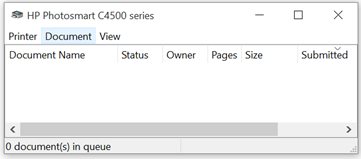
You have a stuck document that can’t be printed, and you want to delete it through printer dialog. However, you only get the “Deleting” status, and the printer is in error state
Possible Cause
It’s not Windows issues, it is your printer issue. The computer still holds the cache and can’t delete it.

Possible Solution
- Visit Services application through your Windows Search
- Look for “Print Spooler”
- Stop the Service
- After the service stop, open your explorer and visit C:\WINDOWS\System32\spool\PRINTERS
- Delete all the files in there, use your admin permission when needed
- Restart your Print Spooler
- Take a print
Happy Weekend everyone
Leave a Reply