
Background
Our customer has AWS Subscription, and they want to deploy our .NET Solutions to the AWS. This article will give you step by step how to deploy the Umbraco Solution into the AWS.
Step By Step
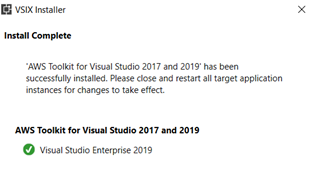
Installing AWS Toolkit
- Visit the AWS toolkit page AWS Toolkit for Visual Studio (amazon.com)
- Download and install the AWS toolkit
Installing Umbraco
- Create a new project in Visual Studio
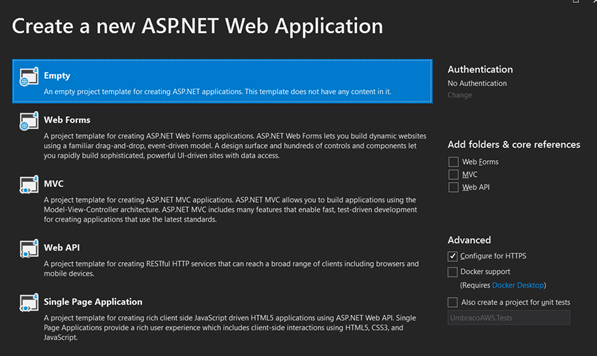
- Select asp.net web application (.NET framework)
- Choose the default configuration and select empty web templates
- Don’t check any references
- Click Manage Nuget Package
- And select Umbraco CMS
- Click install
- Build the solution

Deploying to AWS
- Go to your AWS console
- Select IAM
- Create user with Programmatic Access and as Administrator
- User access key and secret key go to create profile in Getting Started page OR AWS Explorer
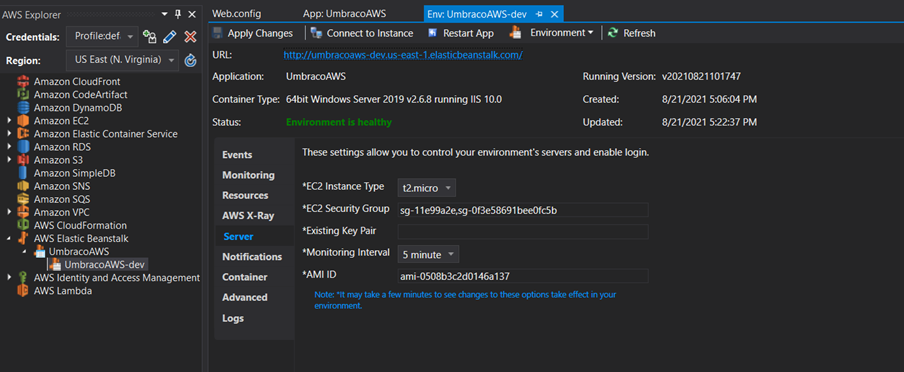
- Right click on the Project and Deploy to elastic beanstalk
- Create a new profile if you don’t have one
- Filling the profile and click deploy.
- Please wait status until environment is healthy
Leave a Reply