
Problem
Your friend shared the location through WhatsApp and you want to use Waze as your default navigation rather than Google Maps.
Notes: this technique can be used only with Waze. Here Maps, Bing Maps, or any others can be used with this techniques.
Solution
- Open your location on WhatsApp by clicking the links. There are two types share link model and share location model
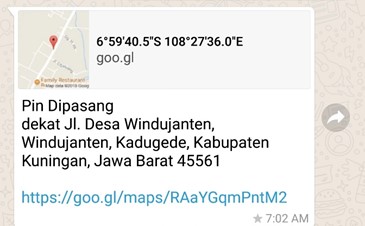
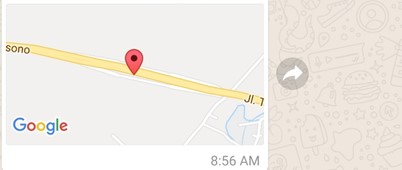
- Open with Google Maps and get further information to look the + codes such as below
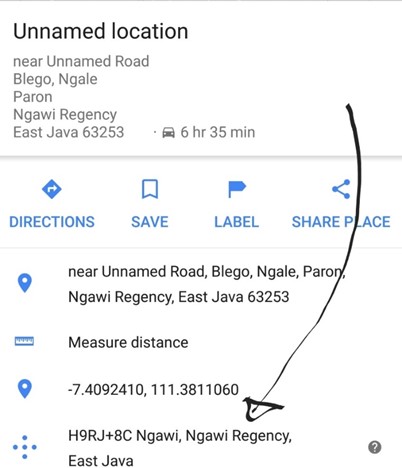
- Tap the codes, the codes will be copied and search it into the Waze default search box, click the More Result and you will get the exact location

- Enjoy your Waze!
Leave a Reply