
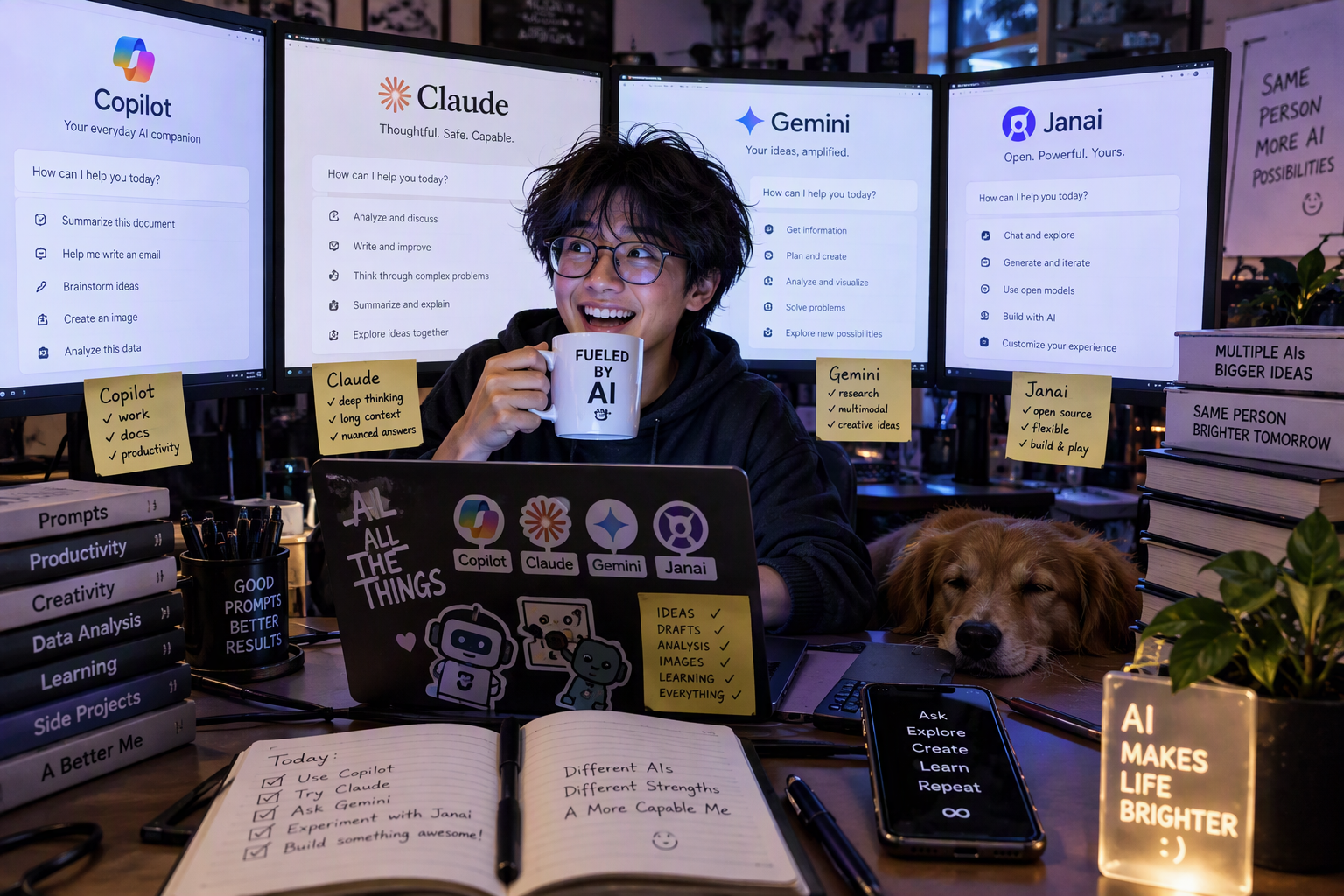
If you open a tech forum today, the question is no longer “should I use AI?” It is “which one, for what?” Most of us already juggle two or three assistants without a clear reason why. One is on the phone, one is in the editor, one is in the office suite, and maybe one runs quietly on the laptop for things we would rather keep private.
This article compares four assistants that represent four different philosophies:
- Google Gemini, the assistant that lives everywhere Google does.
- Microsoft Copilot, the assistant built into Windows, Microsoft 365, and GitHub.
- Anthropic Claude, the assistant focused on deep reasoning, writing, and agentic coding.
- Jan AI, the open source desktop app that runs models locally on your own machine.
We will look at three parts of a normal day: working as a coder, getting productive work done, and handling daily life. At the end you will find a scoring rubric you can reuse and adapt, plus a clear recommendation for each type of user.
A quick note before we start. AI products in 2026 move fast. Model names, prices, and limits change almost monthly. Everything here reflects what was publicly announced as of mid October 2026. Always check the official pricing page before you subscribe.
1. The Four Contenders at a Glance
Google Gemini
Google ended September with a big step: Gemini 4 Argon, announced on September 30 and rolled into the Gemini app on October 13, 2026 for Google AI Pro and Ultra subscribers. Google positions Argon for complex software engineering, enterprise knowledge work, and security, with a 1 million token context window. Alongside it, Gemini 3.8 Flash handles fast everyday requests.
The Gemini app itself has grown into a hub. It now has a chat versus tasks toggle, so Gemini can keep working on a job while you are away, and it connects to more than 40 third party apps such as Instacart, OpenTable, Adobe, and Shopify. Google also put its Antigravity agentic coding interface directly into the Gemini macOS app.
Microsoft Copilot
“Copilot” is really a family of products:
- Copilot (the consumer app in Windows, Edge, and mobile).
- Microsoft 365 Copilot (Word, Excel, PowerPoint, Outlook, Teams). Both Copilot and Microsoft 365 Copilot is the same things.
- GitHub Copilot (VS Code, Visual Studio, JetBrains, the GitHub website, and the terminal).
On September 25, 2026 Microsoft introduced a redesigned Copilot built around three ideas: Home (a starting point that joins Chat and Cowork), Code (an app builder), and Autopilot (a persistent agent). Microsoft 365 Copilot now switches between models such as GPT 5.6 and Claude depending on the task. On the developer side, GitHub Copilot offers agent mode in the IDE, a cloud coding agent that turns issues into pull requests, and Copilot CLI, which became generally available in February 2026.
Anthropic Claude
Anthropic released Claude Opus 5.5 on September 22, 2026 and Claude Sonnet 5.5 six days later. Opus 5.5 came in cheaper than Opus 5 on the API while performing close to the larger Fable 5.1 tier on most work. Sonnet 5.5 is the faster, lower cost option at roughly half the price.
Claude’s strength in daily use is a combination of the chat app (with memory, projects, documents, and file creation), Claude Code for agentic software engineering in the terminal, IDE, and web, and integrations such as Claude in Chrome, Claude for Microsoft 365, and Claude in Slack. Claude Code requires a paid plan or an API key; free users can chat with Sonnet 5.5 on the web but cannot use Claude Code.
Jan AI
Jan is different from the other three. It is a free, open source (Apache 2.0) desktop app built by Menlo Research that downloads models such as Qwen, Llama, and Gemma from Hugging Face and runs them entirely on your computer. Once a model is downloaded, it works offline with no account.
The current release line is v0.8.x (v0.8.4 shipped in July 2026). Recent updates added Multi-Token Prediction for faster local generation, a unified llama.cpp router, native MLX support on Apple Silicon, MCP tool support with inline approval, and a compact coding model called Jan-Code-4B. Jan also exposes an OpenAI compatible local API server on localhost:1337, and you can plug in cloud keys for OpenAI, Anthropic, or Gemini when you need more power.
2. Daily Workflow as a Coder
Let us walk through a realistic developer day: morning standup, picking up a ticket, writing and refactoring code, reviewing pull requests, and debugging something weird before going home.
Morning: understanding the codebase
The first task of the day is often “what changed and where do I start?”
- Claude Code shines here. You run it in the repository, ask it to explain the module you are about to touch, and it reads files, traces calls, and summarizes the design. It is comfortable working across many files and keeping a plan in mind over a long session. Opus 5.5 is the default model in Claude Code, and you can switch to Sonnet 5.5 for cheaper, faster iterations.
- Gemini 4 Argon brings a huge context window, which is helpful when you want to drop a large codebase or long logs into one conversation. With Antigravity in the macOS app and Gemini CLI included in Google AI Pro, Google now offers a credible agentic coding path, not only chat.
- GitHub Copilot has the advantage of already being in your editor and your GitHub account. Agent mode in VS Code reads the workspace automatically, and Copilot can answer questions about the repository without you leaving the IDE.
- Jan can help with quick explanations of a single file using a local model such as Jan-Code-4B. It is useful for private code you cannot send to the cloud, but a small local model will not match frontier models on large, unfamiliar codebases.
Midday: building the feature
This is where the “agent” idea matters most. All three cloud options can now plan, edit multiple files, run tests, and iterate.
- Claude Code feels like pairing with a senior engineer who works in your terminal. It is strong at multi step refactors, test writing, and following project conventions you describe in a project instruction file. Patterns like “Opus plans, Sonnet executes” help control cost.
- GitHub Copilot offers the widest set of surfaces: inline completion while you type, chat in the IDE, agent mode for multi file changes, and the cloud coding agent that you can assign a GitHub issue to. It also lets you pick models from several vendors, including Claude and GPT models, which reduces lock in.
- Gemini is now a serious agentic option, with Argon designed for long software engineering tasks and Flash models suggested for running parallel subagents. If your team is on Google Cloud or Firebase, the integration story is attractive.
- Jan is best used as a local engine rather than an agent. Its OpenAI compatible API lets your own scripts, test harnesses, or editor plugins call a local model, which is great for prototyping LLM features without paying per token.
Afternoon: code review and debugging
- GitHub Copilot has the most natural pull request review flow if your code lives on GitHub. Copilot can review pull requests automatically and comment inline.
- Claude is excellent for reasoning through a tricky bug. Paste the stack trace, the relevant code, and what you already tried, and it tends to explain the root cause clearly instead of just patching the symptom.
- Gemini handles very long logs and mixed inputs well, such as a screenshot of an error together with a configuration file.
- Jan is handy when the logs contain customer data or secrets. A local model can summarize or search them without anything leaving your laptop.
Coder verdict
For pure coding depth, Claude Code is the strongest daily partner for agentic, multi file work. GitHub Copilot is the most convenient and the best value if you live in GitHub and want completion plus agents in one subscription. Gemini has closed the gap with Argon and Antigravity and is the natural choice for Google Cloud teams. Jan is the private sidekick: excellent for local experiments and sensitive data, not a replacement for a frontier coding agent.
Tip for .NET developers: GitHub Copilot integrates directly into Visual Studio, while Claude Code and Gemini CLI work from the terminal next to Visual Studio or VS Code. Many developers use Copilot for inline completion and a terminal agent for larger refactors.
3. Productivity: Documents, Email, Meetings, and Research
Productivity is where ecosystem matters more than model quality. The best assistant is often the one already sitting inside the tool you use for eight hours a day.
Writing and documents
- Microsoft 365 Copilot wins if your organization runs on Word, Excel, PowerPoint, Outlook, and Teams. It drafts inside Word, builds slides from a document, analyzes data in Excel (including Python in Excel), and recaps meetings in Teams. Model choice inside some apps now includes Claude as well as OpenAI models.
- Gemini is the equivalent for Google Workspace users. Gemini in Gmail, Docs, and other Google apps comes with the Google AI plans, and Google AI Pro bundles 5 TB of storage, which many users find good value.
- Claude is the strongest pure writing partner of the group. It keeps tone consistent across long documents, follows detailed style instructions, and produces finished files such as documents, slides, and spreadsheets. It also connects to Microsoft 365 and other tools through connectors, so it can work with your email, calendar, and files when you allow it.
- Jan can draft and summarize locally. It is useful for private notes or confidential drafts, but it does not integrate with an office suite out of the box.
Email and meetings
- Copilot in Outlook and Teams is hard to beat for meeting recaps, action items, and email triage in a Microsoft shop.
- Gemini does the same in Gmail and Google Meet.
- Claude works well when you paste or connect a thread and ask for a careful reply, especially for sensitive or nuanced messages.
- Jan is offline only, so it cannot read your inbox unless you build that integration yourself using MCP tools.
Research and analysis
- Gemini Deep Research, combined with Google Search grounding, is excellent for quickly gathering sources on a topic.
- Claude is strong at synthesis: turning many sources into a structured argument, report, or decision memo, and it can search the web and cite sources.
- Copilot grounds answers in your organization’s data (SharePoint, OneDrive, Teams) as well as the web, which is powerful for internal questions.
- Jan can run a local research model with search tools, but the quality depends heavily on your hardware and chosen model.
Productivity verdict
Pick the assistant that matches your suite. Copilot for Microsoft 365 organizations, Gemini for Google Workspace users. Add Claude when the quality of writing and reasoning matters more than in app convenience. Use Jan for confidential notes and offline work.
4. Daily Life: Planning, Learning, and Personal Help
Outside work, the questions change: “What should I cook tonight?”, “Help me plan a weekend trip”, “Explain this medical letter in simple words”, “Quiz my kid on photosynthesis.”
Phone and on the go
- Gemini is the clear leader for everyday mobile use, especially on Android. It is built into the phone, works with Maps, Waze, YouTube, Google TV, and the camera, and can now complete tasks across connected apps such as booking a table or ordering groceries. Google reports more than 900 million monthly active users on the Gemini app.
- Copilot is a pleasant companion on Windows and in Edge, and the mobile app has been redesigned around chat. It is strongest when your life already runs on Microsoft accounts and Outlook.
- Claude has solid mobile and desktop apps and is a thoughtful conversation partner for planning, learning, and talking through decisions. It is less tied to device features than Gemini.
- Jan is a desktop app, so it is not designed for on the go use.
Learning and family use
- Gemini generates images, videos, interactive flashcards, and quizzes, which makes it fun for students.
- Claude explains concepts patiently, adapts to the learner’s level, and is careful with sensitive topics. Many parents and teachers like it for homework help that explains rather than just answers.
- Copilot is a good general helper with image creation and voice.
- Jan is interesting for families who want a private, offline assistant on a shared computer, with no account and no data leaving the house.
Privacy in daily life
This is where Jan stands apart. Gemini, Copilot, and Claude are cloud services. All three offer privacy controls and enterprise grade protections on business plans, but your prompts are processed on their servers. Jan runs fully offline by default, and nothing leaves your device unless you deliberately connect a cloud provider. For journaling, health notes, or financial planning, that difference is meaningful.
Daily life verdict
Gemini is the most helpful everyday assistant, especially on Android. Claude is the best “thinking partner” for learning and decisions. Copilot is a comfortable choice for Windows users. Jan is the privacy option for the desktop.
5. Pricing Snapshot (October 2026)
Prices vary by country and change often. Treat these as US list prices for orientation only.
| Tool | Free option | Typical personal paid plan | Notes |
|---|---|---|---|
| Gemini | Yes (Flash models, limited Pro) | Google AI Plus about $4.99, AI Pro $19.99, AI Ultra $99.99 or $199.99 per month | AI Pro includes Gemini CLI, Jules, and Antigravity access plus 5 TB storage |
| Copilot | Yes (consumer app; GitHub Copilot Free) | GitHub Copilot Pro $10, Pro+ $39 per month; Microsoft 365 Copilot via business licenses | GitHub moved to usage based AI Credits on June 1, 2026 |
| Claude | Yes (chat with Sonnet 5.5) | Pro and Max subscription tiers | Claude Code needs a paid plan or API key; API Opus 5.5 at $4/$20 and Sonnet 5.5 at $2/$10 per million tokens |
| Jan AI | Fully free and open source | None | Real cost is your hardware (RAM, GPU) and optional cloud API keys |
6. The Scoring Rubric
Rankings without criteria are just opinions. Here is a transparent rubric you can reuse, change the weights, and score tools yourself.
Criteria and definitions
| Criterion | What it measures | Score 1 | Score 5 |
|---|---|---|---|
| Coding capability | Code quality, agentic multi file work, IDE and terminal integration | Basic snippets only | Reliable agent for real projects |
| Productivity integration | Fit with office suites, email, meetings, research | Standalone chat only | Deep, native integration |
| Daily life helpfulness | Mobile experience, planning, learning, everyday tasks | Desktop only, limited | Always available, acts across apps |
| Privacy and control | Where data goes, offline ability, user control | Cloud only, few controls | Fully local, user owned |
| Cost and value | What you get per dollar, quality of free tier | Expensive, weak free tier | Strong free tier, cheap upgrades |
| Ease of use | Setup, learning curve, polish | Technical setup required | Works instantly for anyone |
Scores (1 to 5, editorial judgment)
| Criterion | Gemini | Copilot | Claude | Jan AI |
|---|---|---|---|---|
| Coding capability | 4 | 4 | 5 | 2 |
| Productivity integration | 4 | 5 | 4 | 2 |
| Daily life helpfulness | 5 | 3 | 3 | 2 |
| Privacy and control | 2 | 3 | 3 | 5 |
| Cost and value | 5 | 4 | 3 | 5 |
| Ease of use | 5 | 4 | 4 | 3 |
Weighted results for two profiles
Weights change the winner, and that is the point. Here are two common profiles.
Profile A: General user (Coding 25%, Productivity 20%, Daily life 15%, Privacy 15%, Cost 15%, Ease 10%)
| Rank | Tool | Weighted score (out of 5) |
|---|---|---|
| 1 | Gemini | 4.10 |
| 2 | Copilot | 3.90 |
| 3 | Claude | 3.80 |
| 4 | Jan AI | 3.00 |
Profile B: Professional coder (Coding 45%, Productivity 10%, Daily life 5%, Privacy 15%, Cost 15%, Ease 10%)
| Rank | Tool | Weighted score (out of 5) |
|---|---|---|
| 1 | Claude | 4.10 |
| 2 | Gemini | 4.00 |
| 3 | Copilot | 3.90 |
| 4 | Jan AI | 3.00 |
Notice how close the top three are. In late 2026 the gap between frontier assistants is small; the real differences are ecosystem, workflow fit, and price. Jan scores lower overall, but it wins the one criterion the others cannot match: full local control.
How to use this rubric yourself: copy the tables, set your own weights (they must add up to 100%), score each tool based on a one week trial with your real tasks, and multiply. A one week trial on your own work beats any benchmark.
7. Final Recommendations
If you are a professional coder
Primary: Claude (Claude Code). For agentic refactors, test generation, and reasoning through hard bugs, it is the most capable daily partner. Use Sonnet 5.5 for routine work and Opus 5.5 for complex planning.
Add: GitHub Copilot Pro. At $10 per month it gives you inline completion in Visual Studio and VS Code, pull request review, and a cloud agent tied to GitHub issues. Many developers run both: Copilot for the typing flow, Claude Code for the heavy lifting.
Consider Gemini if your team builds on Google Cloud or Firebase, or you need very long context for large logs and codebases.
If you are a knowledge worker in a Microsoft 365 organization
Primary: Microsoft 365 Copilot. Native integration with Word, Excel, Outlook, and Teams is worth more than small differences in model quality. Add Claude for high stakes writing and deep analysis.
If you live in Google Workspace and Android
Primary: Gemini with Google AI Pro. At $19.99 per month it combines strong models, Workspace integration, 5 TB of storage, and coding tools. It is arguably the best value bundle on the market right now.
If you care most about privacy, or you are a tinkerer
Primary: Jan AI, plus one cloud assistant. Run Jan for private notes, sensitive logs, and offline work, and use its local API to prototype AI features for free. Keep a cloud assistant for tasks that need frontier reasoning. Jan can even hold your cloud API keys, so you can switch between local and cloud models in one app.
If you are a student or on a tight budget
Start free with Gemini for everyday help and learning, use Claude’s free tier for writing and explanations, and install Jan on your laptop to learn how local AI works. Spend money only after a few weeks, on the one tool you open most.
The honest bottom line
There is no single winner. The smartest setup for most people in 2026 is one primary assistant that matches your ecosystem, one specialist for your hardest work, and one local tool for privacy. For many developers that looks like Copilot in the editor, Claude Code in the terminal, Gemini on the phone, and Jan on the laptop for private tasks.
Try them on your own real work for a week, score them with the rubric above, and let the numbers decide.
Sources
- Google: Gemini 4 Argon comes to the Gemini app
- Vercel changelog: Gemini 4 Argon on AI Gateway
- Engadget: Google AI Ultra plan now starts at $100 a month
- Price Per Token: Gemini Pricing and Plans 2026
- Sammy Fans: Google unveils Gemini 2026 updates
- Unite.AI: Microsoft Copilot overhaul adds Home, Code and Autopilot
- AI Nauten: 8 new features in Microsoft 365 Copilot
- Morph: Claude Code vs GitHub Copilot in 2026
- Morph: GitHub Copilot coding agent in 2026
- TechNews: Anthropic releases Claude Opus 5.5
- Apidog: Using Claude Sonnet 5.5 in Claude Code
- UsagePricing: Claude Opus 5.5 price cut
- Jan: Jan v0.8.0 changelog
- Flathub: Jan app listing
- Pasquale Pillitteri: Jan AI on Mac guide
- Vantaige: Jan AI profile
Disclosure: scores in the rubric are the author’s editorial judgment based on public information and hands on use, not lab benchmarks. Prices and features change frequently; verify on official pages before purchasing.
Leave a Reply