
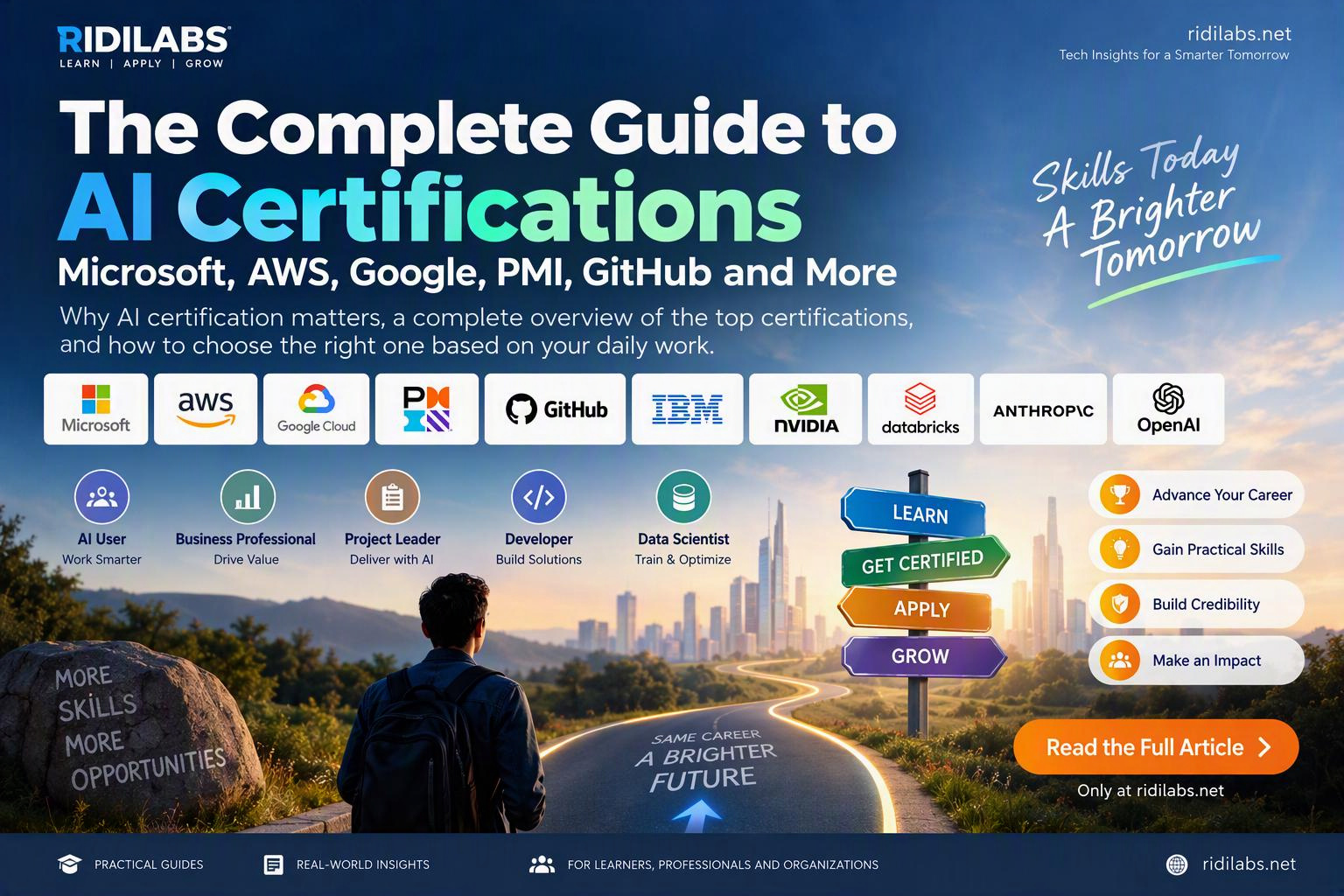
Microsoft, GitHub, AWS, Google, PMI, NVIDIA, IBM, Databricks, OpenAI, and More
Artificial Intelligence is rapidly becoming a core workplace skill, much like email, spreadsheets, and cloud computing once were. Whether you are a business professional, project manager, developer, trainer, business analyst, or executive, AI is changing how work gets done. As demand for AI skills grows, many professionals are asking the same question: Which AI certification should I pursue?
The challenge is that there is no shortage of options. Microsoft offers Azure AI and Copilot credentials. AWS and Google have AI and machine learning certifications. PMI provides AI education for project leaders. GitHub is building certifications around AI-assisted software development. NVIDIA, IBM, and Databricks focus on more advanced AI engineering skills.
This guide provides a practical overview of the most relevant AI certifications available today and, more importantly, helps you determine which certification makes sense based on your daily work rather than market hype.
Why AI Certification Matters
A common misconception is that AI certifications exist primarily to help people get jobs. While certifications can certainly strengthen a resume, their real value is much broader.
1. Structured Learning
AI is a vast field that includes:
- Generative AI
- Prompt engineering
- Machine learning
- AI governance
- AI security
- AI agents
- AI development
- Responsible AI
Certification programs provide a structured roadmap that helps learners avoid information overload and build skills systematically.
2. Professional Credibility
Organizations increasingly seek evidence that employees understand AI beyond simply experimenting with ChatGPT or Copilot.
A certification helps demonstrate:
- Foundational knowledge
- Best practices
- Responsible AI usage
- Platform expertise
For example:
- Microsoft validates Azure AI and Copilot skills.
- AWS validates cloud-based AI implementation.
- PMI validates AI-enabled project leadership.
- GitHub validates AI-assisted software development.
3. Career Resilience
AI is transforming nearly every industry. Employees who understand how to use AI effectively are more likely to become:
- AI Champions
- Transformation Leads
- Change Agents
- Innovation Leaders
- Productivity Coaches
Certification helps create confidence during this transition.
4. Organizational Adoption
Many AI projects fail because people focus on technology but neglect governance, adoption, and business value.
Certified professionals often become trusted advisors who can help organizations implement AI responsibly and effectively.
Understanding the AI Certification Landscape
AI certifications generally fall into five categories.
| Category | Focus |
|---|---|
| AI User | Using AI tools productively |
| Business Professional | Transforming business processes with AI |
| Project Leader | Managing AI initiatives and governance |
| Developer | Building AI-powered solutions |
| Data Scientist | Developing and optimizing AI models |
Understanding your category is far more important than selecting the most advanced certification.
Microsoft AI Certifications
Microsoft currently offers one of the most complete AI learning ecosystems, especially for organizations already using Microsoft 365 and Azure.
AI-900: Azure AI Fundamentals
Best For
- Managers
- Business Analysts
- Trainers
- Students
- Executives
Topics Covered
- AI concepts
- Machine learning fundamentals
- Computer vision
- Natural language processing
- Responsible AI
- Generative AI
Why Pursue It?
AI-900 is one of the best entry-level certifications available today. It provides a strong understanding of AI without requiring coding skills.
AI-102: Azure AI Engineer Associate
Best For
- Developers
- Solution Architects
- AI Engineers
Topics Covered
- Azure OpenAI Service
- Retrieval-Augmented Generation (RAG)
- Azure AI Search
- AI application development
- Conversational AI
- Speech services
Why Pursue It?
For professionals building AI applications, AI-102 has become one of the most practical certifications available.
Microsoft Applied Skills
Microsoft increasingly promotes skill-based credentials focused on hands-on implementation.
Examples include:
- Building AI agents
- Developing copilots
- Implementing Azure OpenAI
- Using Copilot Studio
Best For
- Low-code developers
- Technical consultants
- Power Platform professionals
Microsoft Copilot Certifications and Learning Paths
Microsoft’s Copilot ecosystem is becoming a major career specialization.
Best For
- Microsoft 365 users
- Trainers
- HR professionals
- Finance professionals
- Knowledge workers
Topics Covered
- Prompt engineering
- Productivity enhancement
- AI-assisted content creation
- Workflow automation
- AI agents
GitHub Certifications: The New Essential Skill for Developers
The rise of GitHub Copilot has fundamentally changed software development.
Developers are increasingly moving from writing code manually toward collaborating with AI systems.
GitHub Foundations
Best For
- New developers
- Students
- Technical professionals
Topics Covered
- Git fundamentals
- GitHub workflows
- Collaboration
- Version control
- Security basics
Why Pursue It?
A strong foundation is essential before adopting AI-assisted development practices.
GitHub Copilot Certification
Best For
- Software developers
- Technical leads
- Architects
- Engineering managers
Topics Covered
- Prompting for code generation
- AI-assisted debugging
- Test generation
- Documentation creation
- Responsible AI practices
Why Pursue It?
GitHub Copilot often delivers immediate productivity gains because it directly impacts daily software development activities.
GitHub Actions Certification
Best For
- DevOps engineers
- Platform engineers
- Cloud engineers
Topics Covered
- Continuous integration
- Continuous deployment
- Workflow automation
- Infrastructure automation
Why Pursue It?
Organizations increasingly combine GitHub Actions with AI-assisted development pipelines.
AWS AI Certifications
AWS provides highly respected AI certifications focused on implementation and cloud deployment.
AWS Certified AI Practitioner
Best For
- Business professionals
- Cloud professionals
- AI beginners
Topics Covered
- Generative AI
- Foundation models
- Responsible AI
- AWS AI services
Why Pursue It?
It offers foundational AI knowledge while remaining cloud-neutral enough for most professionals.
AWS Certified Machine Learning Engineer
Best For
- Data Scientists
- ML Engineers
- AI Engineers
Topics Covered
- MLOps
- Model deployment
- Model monitoring
- Large-scale machine learning systems
Why Pursue It?
This certification targets professionals working with production machine learning environments.
Google Cloud AI Certifications
Google remains one of the industry’s strongest AI innovators.
Google Generative AI Learning Path
Best For
- AI professionals
- Developers
- Architects
Topics Covered
- Gemini
- Prompt engineering
- Vertex AI
- Foundation models
Why Pursue It?
It provides practical exposure to Google’s modern AI ecosystem.
Professional Machine Learning Engineer
Best For
- Advanced AI practitioners
- Data scientists
- Machine learning engineers
Topics Covered
- Model development
- Deployment
- Scaling
- AI governance
Why Pursue It?
It remains one of the most respected certifications in advanced machine learning.
PMI AI Certifications
Most AI transformation projects fail because organizations struggle with governance, planning, and organizational adoption rather than technology.
This is where PMI becomes highly relevant.
PMI Generative AI for Project Managers
Best For
- Project Managers
- Program Managers
- PMO Leaders
Topics Covered
- AI governance
- AI-assisted project management
- Risk management
- Responsible AI
PMI Citizen Developer and AI Programs
Best For
- Business Analysts
- Process Improvement Specialists
- Product Owners
Topics Covered
- Automation
- AI-enhanced workflows
- Low-code development
IBM AI Certifications
IBM has modernized its AI certification ecosystem around Watsonx and enterprise AI.
Popular Certifications
- IBM AI Fundamentals
- IBM Generative AI Engineering
- IBM Watsonx AI
Best For
- Enterprise architects
- Consultants
- Technical specialists
NVIDIA AI Certifications
NVIDIA is increasingly influential as organizations build AI infrastructure and deploy Large Language Models.
Best For
- AI Engineers
- Infrastructure Architects
- Machine Learning Specialists
Topics Covered
- LLM architecture
- Fine-tuning models
- GPU optimization
- AI infrastructure
Why Pursue It?
NVIDIA certifications become particularly valuable in enterprise-scale AI environments.
Databricks AI Certifications
Databricks has become a major platform for data engineering and AI workloads.
Popular Certifications
- Databricks Machine Learning Professional
- Databricks Generative AI Engineer
Best For
- Data Engineers
- AI Engineers
- Data Scientists
OpenAI and Anthropic Learning Programs
Although OpenAI and Anthropic currently emphasize learning pathways and professional education programs more than traditional certifications, they are becoming essential resources for understanding modern AI.
Topics Covered
- Prompt engineering
- Agent design
- Reasoning systems
- AI safety
- Responsible AI
Best For
- Consultants
- Trainers
- AI strategists
- Developers
Which Certification Fits Your Daily Work?
This is the question that matters most.
Do not choose certifications based on popularity. Choose certifications based on your day-to-day responsibilities.
Microsoft 365 User
Daily Activities:
- Outlook
- Teams
- Word
- Excel
- PowerPoint
Recommended Path:
- AI-900
- Microsoft 365 Copilot
- Copilot Studio
Business Analyst
Daily Activities:
- Requirements gathering
- Process analysis
- Documentation
- Workshops
Recommended Path:
- AI-900
- PMI AI Programs
- Copilot Studio
- Power Platform AI
Project Manager
Daily Activities:
- Schedule management
- Risk management
- Stakeholder engagement
Recommended Path:
- PMI Generative AI
- AI-900
- Microsoft Copilot
Trainer or Learning Professional
Daily Activities:
- Course design
- Facilitation
- Presentation creation
- Learning content development
Recommended Path:
- AI-900
- Microsoft Copilot
- Google Generative AI Learning
- Prompt Engineering Programs
Software Developer
Daily Activities:
- Coding
- Testing
- Code reviews
- Debugging
Recommended Path:
- GitHub Foundations
- GitHub Copilot Certification
- AI-900
- AI-102
Solution Architect
Daily Activities:
- Application architecture
- Cloud design
- Platform governance
Recommended Path:
- GitHub Copilot
- AI-102
- AWS AI Practitioner
- Google Vertex AI
DevOps Engineer
Daily Activities:
- Automation
- CI/CD
- Infrastructure management
Recommended Path:
- GitHub Actions
- GitHub Copilot
- AWS AI Practitioner
AI Engineer
Daily Activities:
- Building AI systems
- Developing copilots
- Implementing RAG solutions
Recommended Path:
- GitHub Copilot
- AI-102
- AWS Machine Learning Engineer
- Google ML Engineer
Data Scientist
Daily Activities:
- Data modeling
- Feature engineering
- Model development
Recommended Path:
- Google Professional ML Engineer
- AWS ML Engineer
- Databricks AI Certifications
- NVIDIA AI Certifications
AI User vs AI Builder
One of the biggest misconceptions about AI certification is that everyone needs machine learning credentials.
In reality, there are two main groups.
AI Users (80–90% of Professionals)
These professionals use AI to:
- Create documents
- Analyze information
- Develop presentations
- Improve productivity
- Automate routine tasks
Recommended Certifications:
- AI-900
- Microsoft Copilot
- PMI AI
- Google Generative AI
AI Builders (10–20% of Professionals)
These professionals build AI systems such as:
- Copilots
- AI agents
- RAG solutions
- Custom applications
- Machine learning models
Recommended Certifications:
- GitHub Copilot
- AI-102
- AWS AI Certifications
- Google ML Engineer
- Databricks AI Certifications
- NVIDIA AI Certifications
Recommended Certification Roadmaps
Beginner
Focus: AI Literacy
- AI-900
- AWS AI Practitioner
- Google Generative AI Learning
Intermediate
Focus: AI Implementation
- GitHub Copilot
- AI-102
- Microsoft Applied Skills
- PMI AI Programs
Advanced
Focus: AI Leadership and Engineering
- Google Professional ML Engineer
- AWS ML Engineer
- NVIDIA Certifications
- Databricks AI Certifications
Final Thoughts
The best AI certification is not necessarily the most difficult certification. It is not the most expensive credential. And it is certainly not the one with the highest number of exam questions.
The best certification is the one that helps you perform better in your current role and prepares you for the future of work.
For most business professionals, managers, trainers, and Microsoft 365 users, a combination of AI-900, Microsoft Copilot, and PMI AI learning programs delivers the highest return on investment.
For developers, GitHub Copilot Certification and AI-102 represent one of the most practical and future-proof learning paths available today.
For AI engineers and data scientists, advanced certifications from AWS, Google, NVIDIA, and Databricks provide the technical depth required to build the next generation of intelligent applications.
Ultimately, certification is not the goal.
Capability is the goal.
Certification simply provides the roadmap.
Published by Ridilabs.net | Learn. Apply. Grow.
Leave a Reply